Features
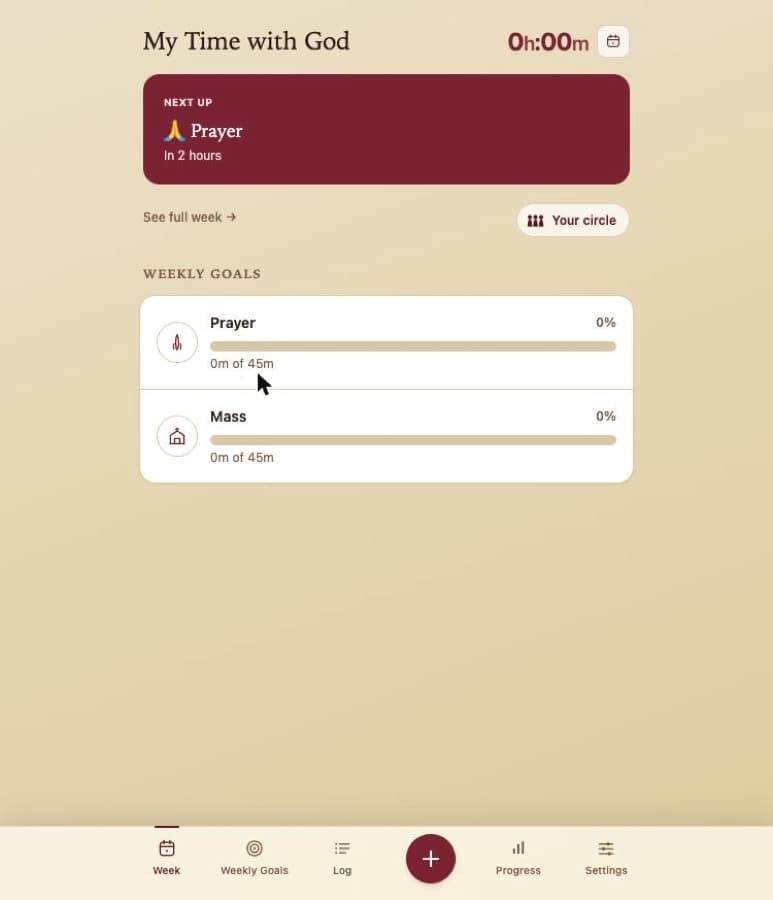
Everything you need.
Nothing you don't.
- Personalised weekly reminders
A warm email arrives each week, reflecting on your devotional time and gently encouraging you forward.
- Optional smart calendar scheduling
Connect Google Calendar and Time With God finds the best moments for prayer, Mass, and Adoration within the windows you set.
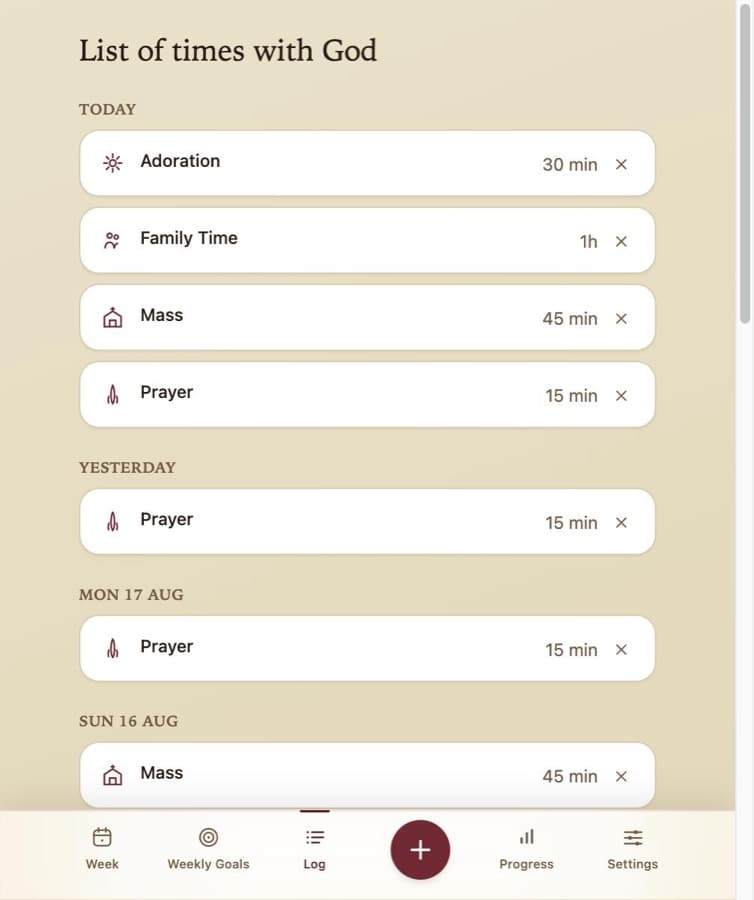
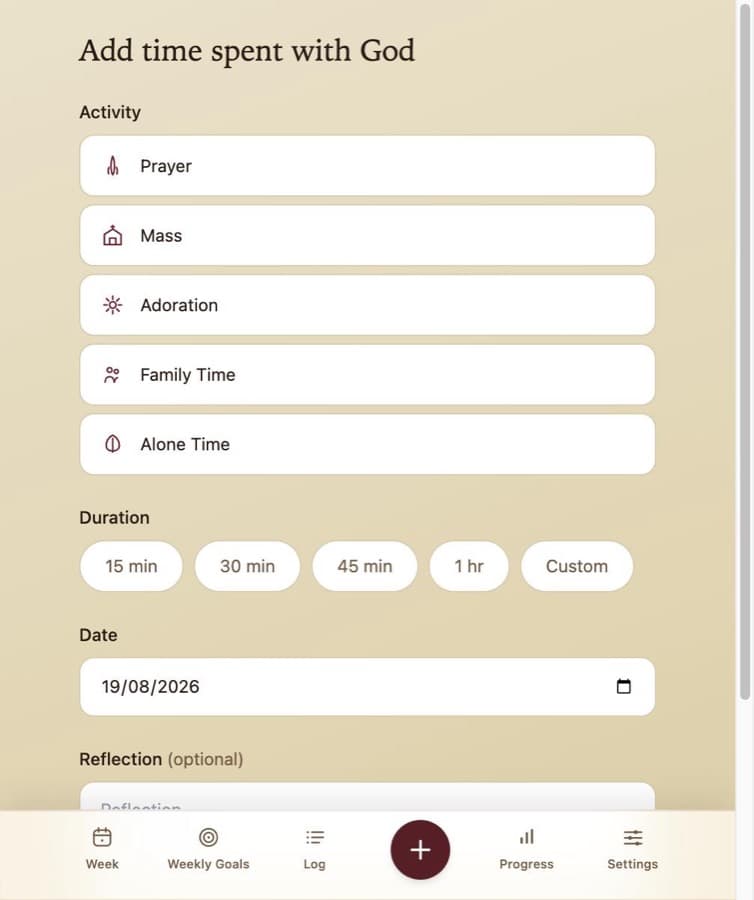
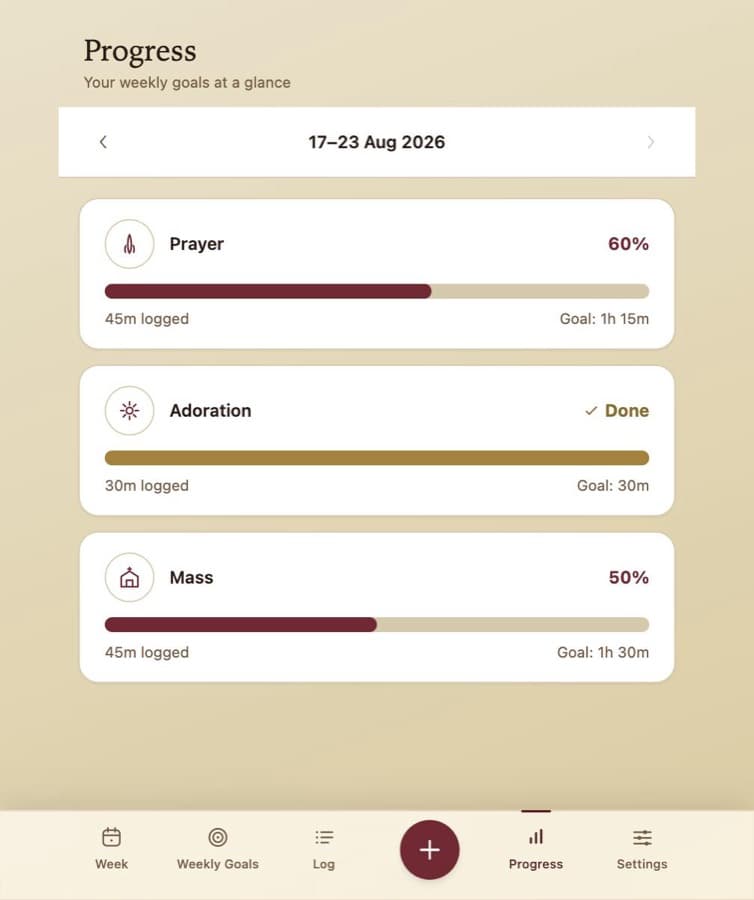
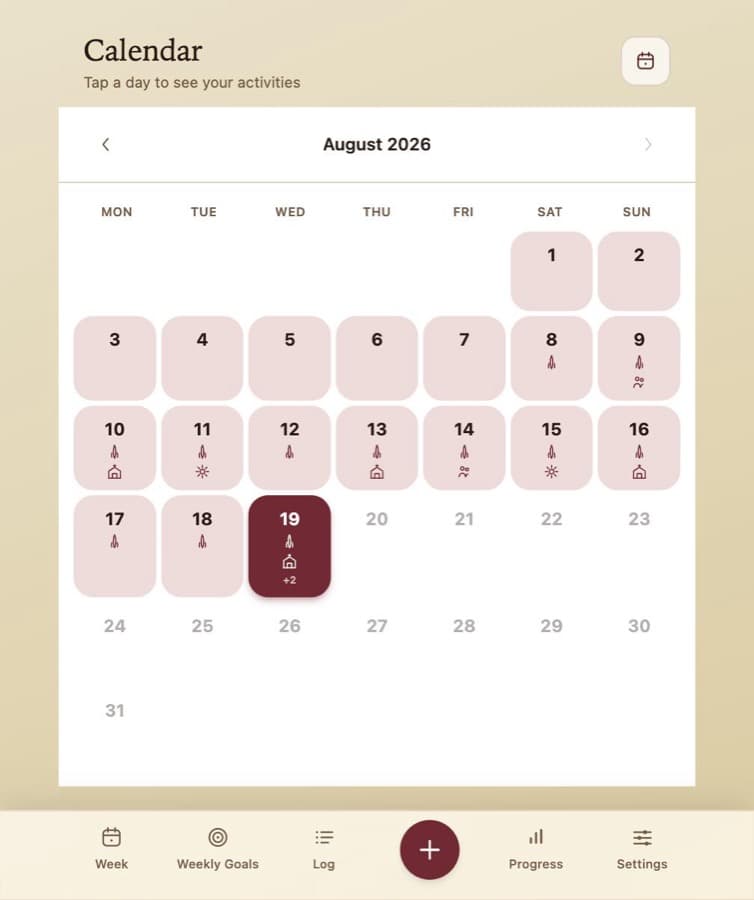
- Activity tracking
Log Prayer, Mass, Adoration, Family Time and any customised time you wish. Check in daily and watch your rhythm build over weeks.
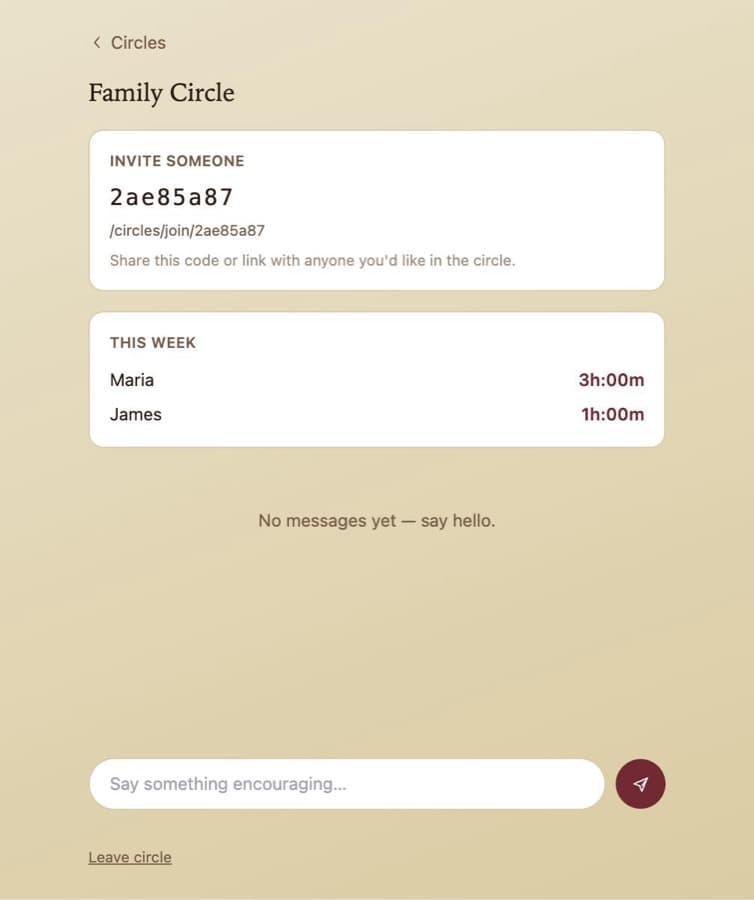
- Privacy-first
No social feed, no followers, no data sold. Your time with God is between you and God.
- Free, no App Store needed
Install directly from your browser on any device. Nothing to download, nothing to pay.
How It Works
Simple to start.
Built to last.
- 01Sign in with your email
No password needed. We send a secure link directly to your inbox.
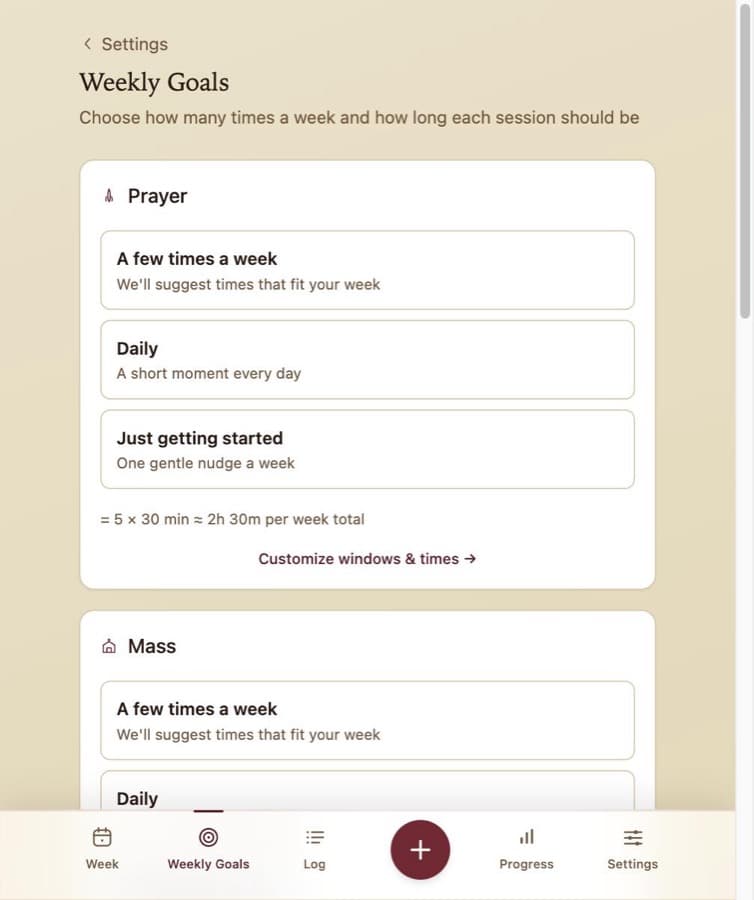
- 02Set your intentions
Choose which activities matter to you and how often you want them in your week.
- 03Connect your calendar (optional)
Give Time With God a read-only view of your schedule so it can suggest the best times.
- 04Receive your weekly reminder
A personal email each week reflects on your progress and encourages you onward.
About
Built for the faithful,
not the frantic.
Modern life is full. Work, family, obligations — they crowd out the things that matter most. Time With God exists for Catholics who want to live a more intentional spiritual life but struggle to find the space. It's a quiet, faithful companion: no pressure, no performance — just gentle structure that makes it easier to show up for God, week after week.
Get the App
Install in seconds.
No App Store required.
Time With God is a Progressive Web App — it installs directly from your browser, on any device.
iPhone & iPad
Safari only — other iOS browsers cannot install apps
- Open Safari and go to
https://timewithgod.net - Tap the Share button (box with an arrow)
- Tap "Add to Home Screen"
- Tap "Add" — the icon appears on your home screen
Android
Chrome recommended
- Open Chrome and go to
https://timewithgod.net - Tap the three-dot menu (top right)
- Tap "Add to Home Screen" or "Install App"
- Confirm — the icon appears on your home screen
macOS — Safari
Requires macOS Sonoma 14 or later
- Open Safari and go to
https://timewithgod.net - Click File in the menu bar
- Click "Add to Dock"
- Click "Add" — the app appears in your Dock
macOS & Windows — Chrome or Edge
- Open Chrome or Edge and go to
https://timewithgod.net - Click the install icon in the address bar (screen with a down arrow), or open the browser menu and select "Install Time With God"
- Click "Install" — the app appears on your desktop and taskbar
FAQ
Common questions.
Yes, completely free to use.
Yes — install it from Safari on iPhone or iPad. No App Store required.
No. Calendar integration is entirely optional. You can use Time With God without connecting any calendar.
Yes. Your data is never sold or shared. Only you can see your activity logs and goals.
Prayer, Mass, Adoration, Family Time, and Alone Time by default — and Custom activities.
A web app that installs like a native app — directly from your browser. No App Store, no download, same great experience.
Contact
We'd love to
hear from you.
Have a suggestion or spotted something to improve? Reach out — your feedback helps make Time With God better for everyone.
Email Us


